Flowingly Webinar
How to Build Process Value in Days, Not Weeks
During this webinar, you’ll see:
🔎 How to identify where change is actually needed and focus on the processes worth improving
🗒️ How to run practical workshops that turn conversations and sticky notes into a clear process framework
⚡ How to take your workshop outputs and quickly turn them into a process using Creation Hub
✨ How to use AI to build on your process and get it closer to ready to use
Watch the full webinar recording 👇
Build the right processes.
Get to value faster.
Process improvement shouldn’t mean spending weeks mapping and documenting a process before you know whether anyone actually wants it to change.
The best place to start is with the people doing the work. Where are the frustrations? What do they want to improve? And which processes are actually worth your time?
In this practical session, we’ll show you how to answer those questions, then turn the answers into action.
We’ll walk through how to run a useful process workshop, capture the right level of detail, and structure what you uncover so it’s ready to build from.
Then we’ll take those workshop outputs into Flowingly Creation Hub, showing you two ways to get started – from quickly importing the basic shell of a process to using structured inputs and AI to create something much closer to ready to use.
You’ll leave with a practical approach you can use to go from identifying an opportunity to building a usable process in days, not weeks.
The Flowingly Blog
Get the flow-down on all things Flowingly. From process tips to product, we cover everything you need to level up your processes.
Introducing Creation Hub: an easier way to create in Flowingly
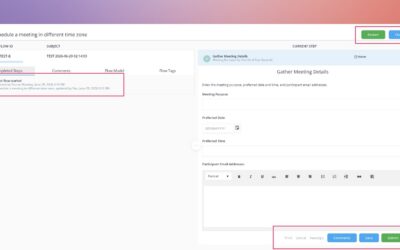
We’ve introduced workflow testing, a new feature that lets you run through your workflows before pushing them live.
Test Your Workflows Before They Go Live
We’ve introduced workflow testing, a new feature that lets you run through your workflows before pushing them live.
Introducing Tabs in Modeler
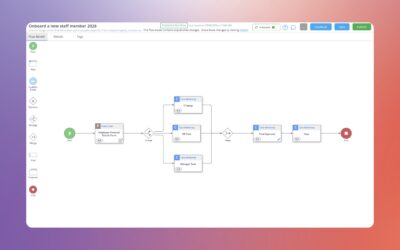
We’ve refreshed the Process Details experience in Modeler with a new tabbed layout, so everything you need is right where you’re already working.