Introducing Tabs in Modeler
What’s new
We’ve updated the process details experience in modeler to make it easier to navigate and manage your process information.
Previously, managing process information meant opening the details area and switching between separate Details and Tags views.
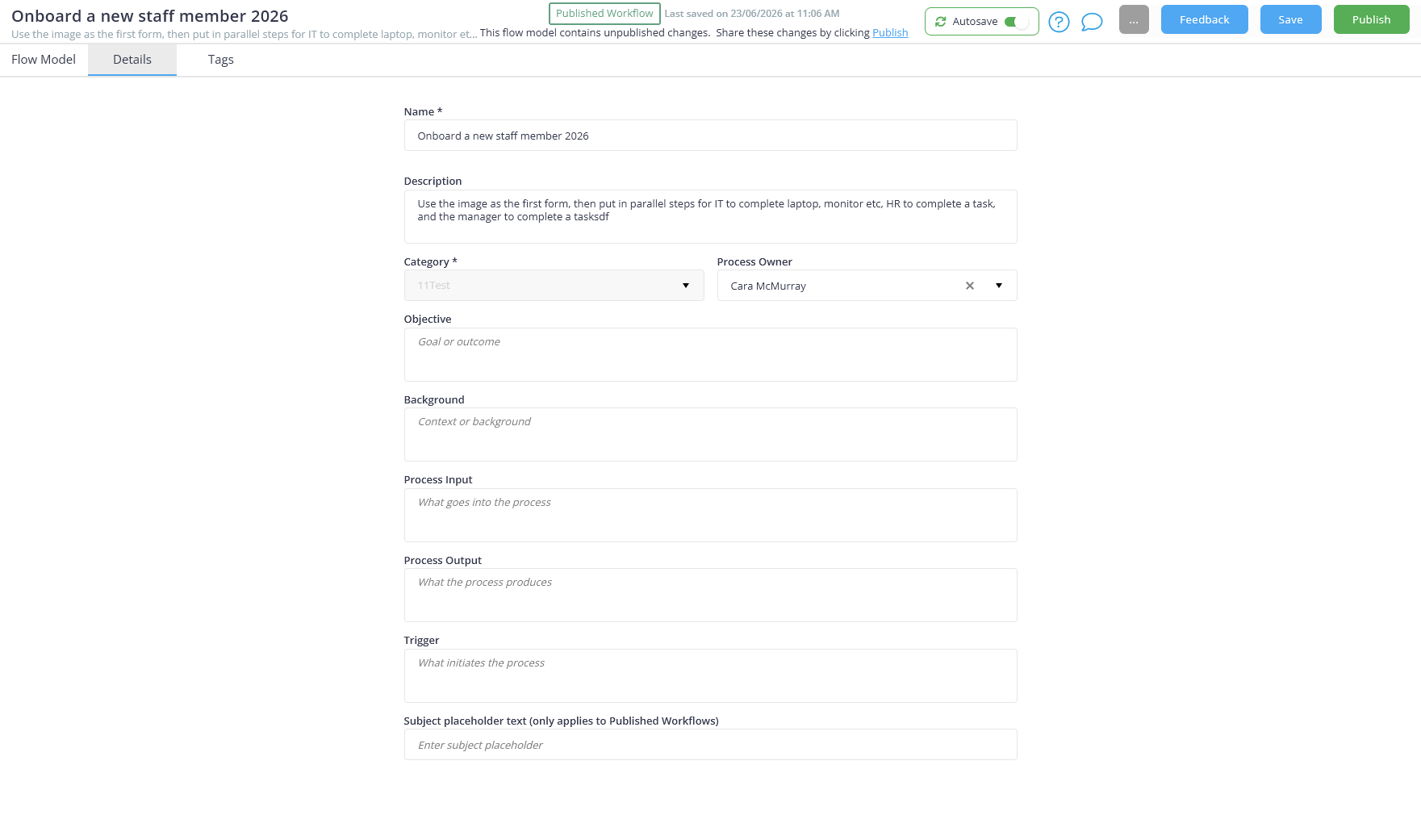
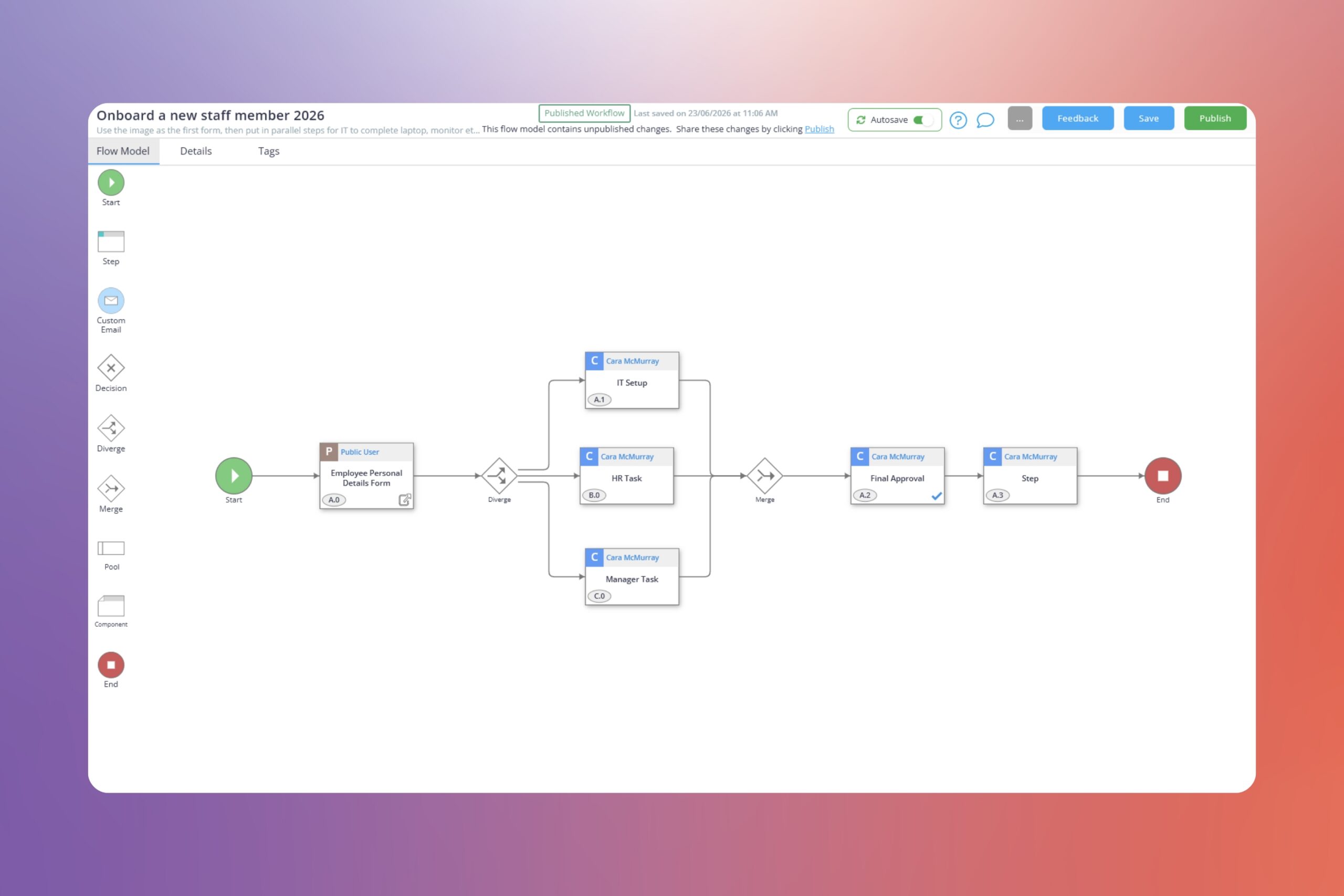
Now you’ll find three dedicated tabs directly within modeler:
- Flow Model for designing your process
- Details for process information and metadata
- Tags for managing process and step tags
Everything is easier to find and just a click away.
Why it matters
Building a process isn’t just about creating steps and approvals.
Good process information helps people understand what a process is for, who owns it, and how it should be used. Tags help keep everything organised and easier to find later.
The challenge is that when these details sit behind extra navigation, they’re often left until later – or forgotten altogether.
This update keeps everything close by, making it easier to document and organise your processes as you build them.
How it helps
- Move between process design, details, and tags faster
- Update process information without opening additional screens
- Keep process metadata organised and up to date
- Reduce clicks and interruptions while building
- Enjoy a cleaner, more consistent modeler experience
How to get started
- Open any process map or workflow in modeler.
- Select the Details tab to view or update process information.
- Select the Tags tab to manage process and step tags.
- Jump back to Flow Model whenever you’re ready to continue building.
It’s a small change, but one that should make managing your processes feel a little smoother. Open a process in modeler and check out the refreshed experience.