
Turn how work happens into how work gets done.
Turn the forms, processes and knowledge you already have into workflows that route tasks, manage approvals and keep work moving.









Start with the process you have. Turn it into work that runs.
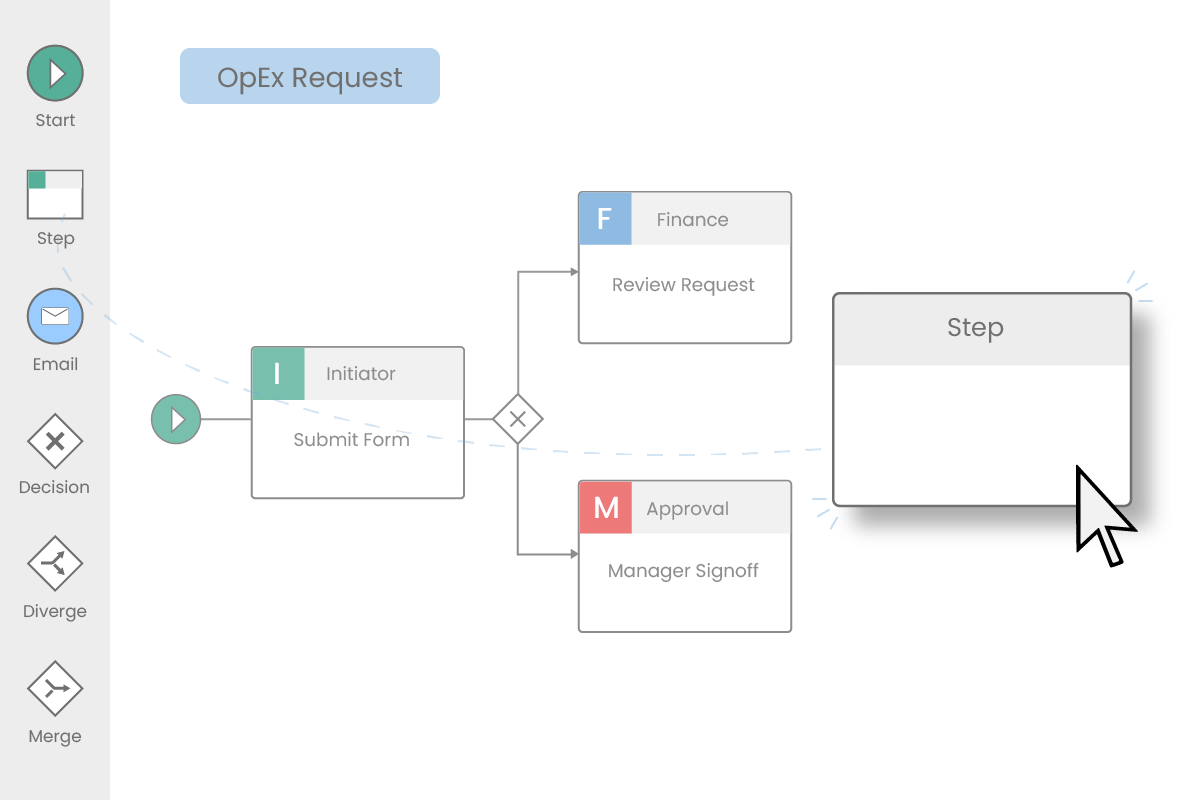
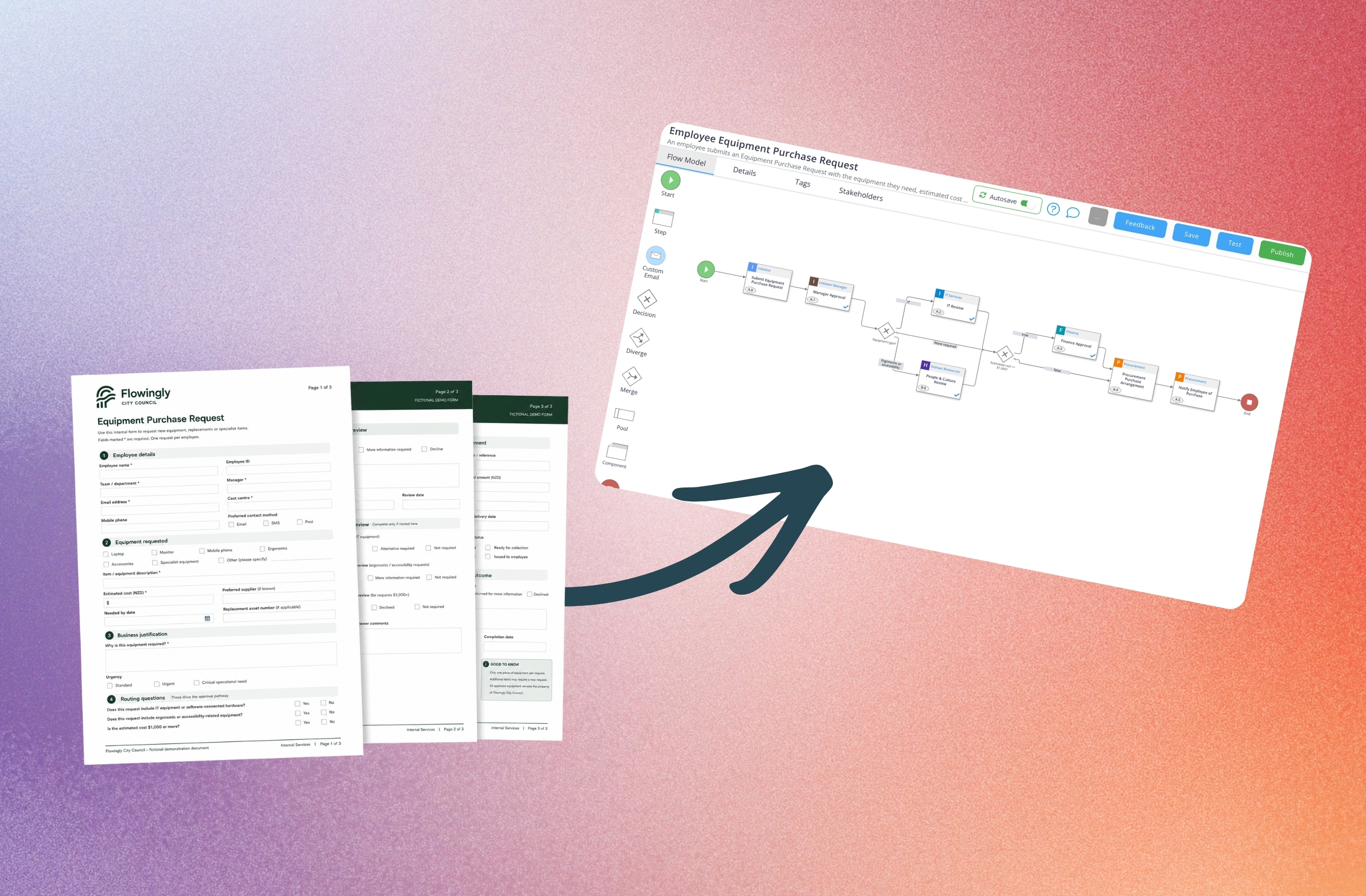
Start with a form, document, description or recording. Workflow Pro turns what you already have into a structured workflow ready to run, track and improve.
Upload an existing form or document, describe the process, record the work or start from scratch. No blank canvas required.
Let AI create the first draft, then use simple drag-and-drop to refine the steps, forms, decisions and approval paths.
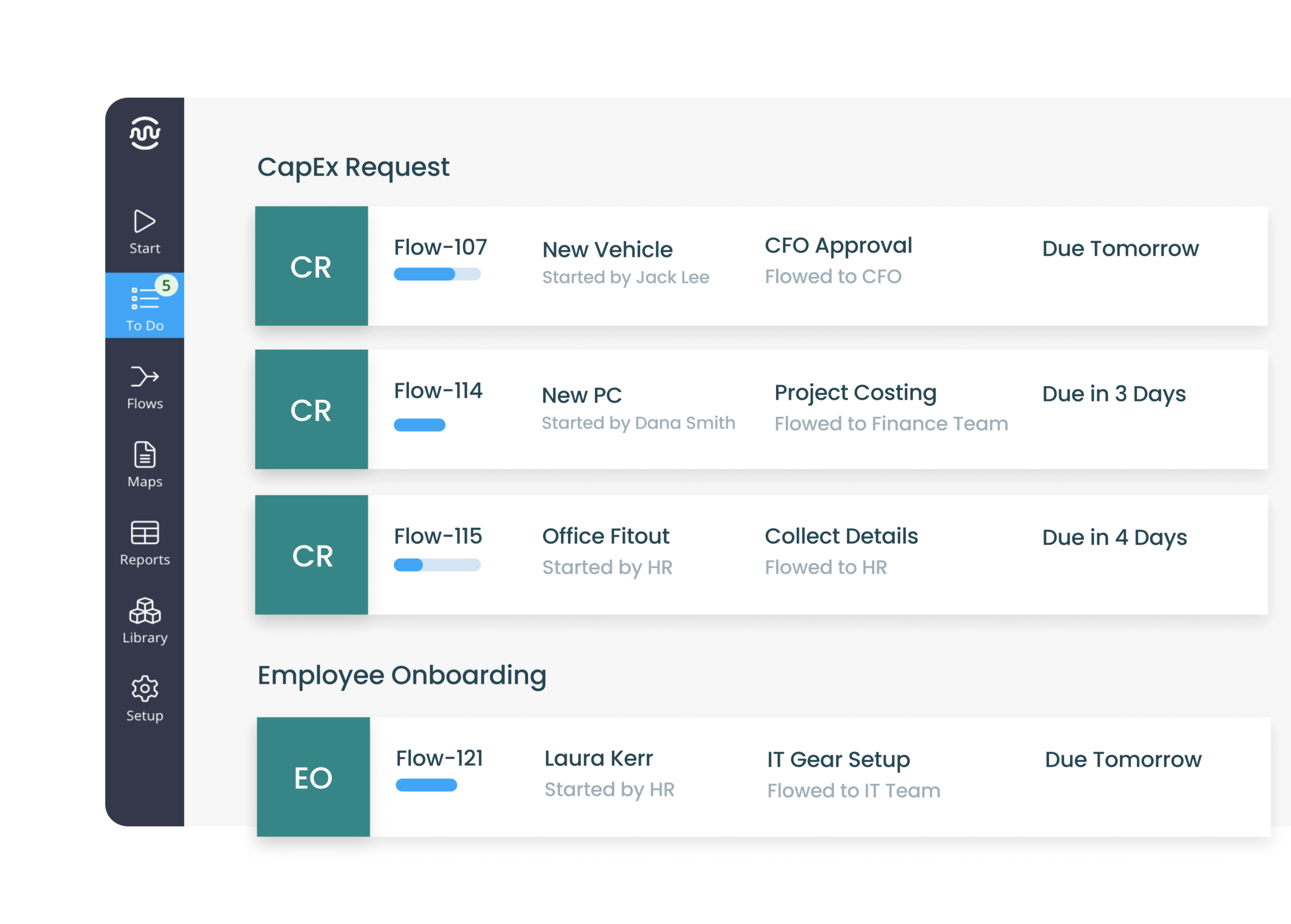
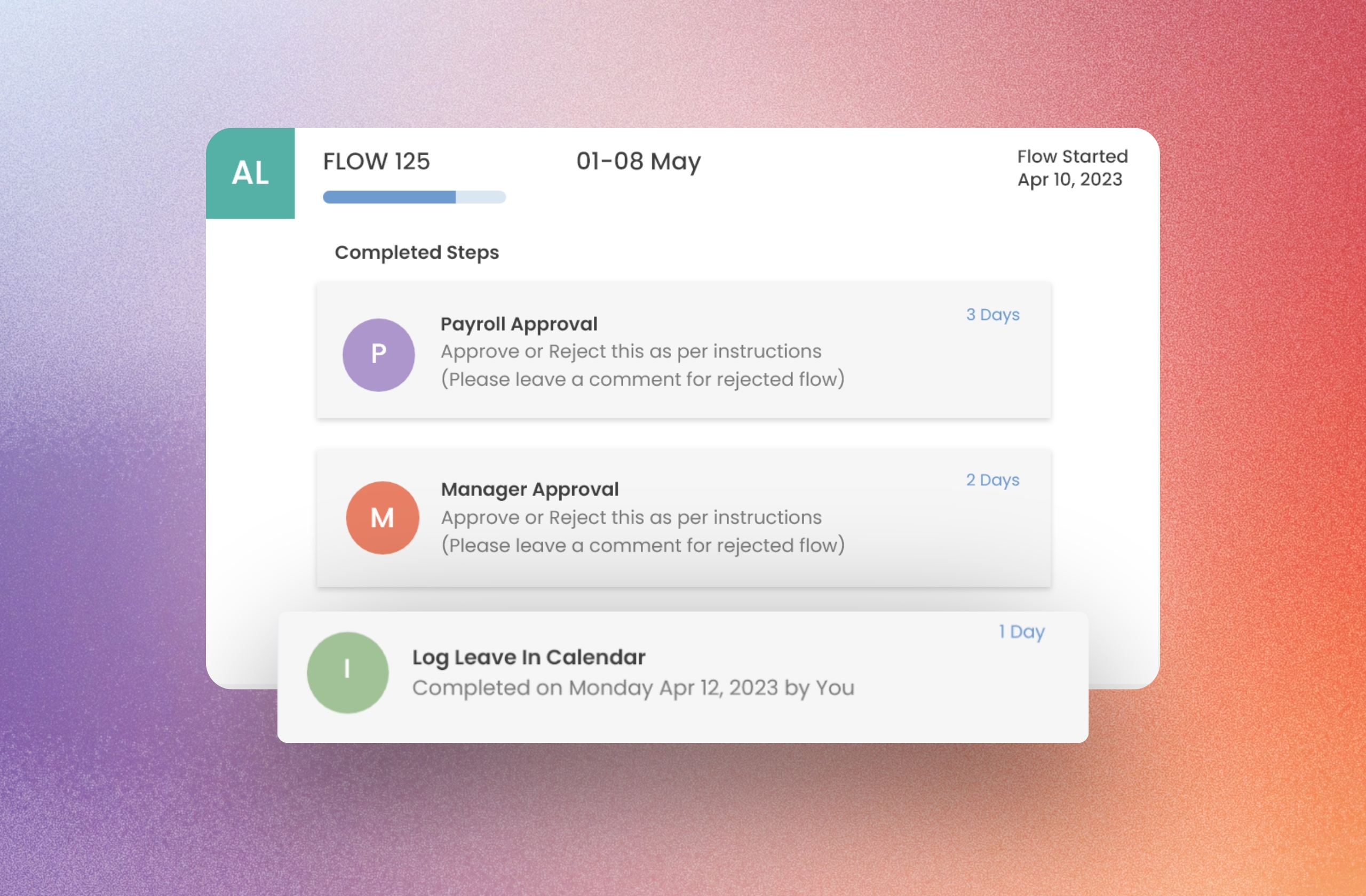
Track every request, task and approval from start to finish — including what's waiting, who owns it and what happens next.
Route work to the right people and teams, with permissions, versions and changes governed in one place.
However the process exists today, start there.
Record the work, upload a form, video, image or file, describe the process or build it yourself. AI turns it into a draft workflow.
Record your screen
Open the form, talk through what should happen next, and let AI build the workflow around it.
AI-assistedGenerate from video
Upload an existing walkthrough and let AI turn it into a structured workflow.
AI-assistedGenerate from audio
Upload a recorded explanation and AI turns what you describe into a workflow.
AI-assistedGenerate from text
Describe the process or upload a TXT or MD file and let AI build the workflow.
AI-assistedGenerate from image
Upload a form, diagram or process image and let AI turn what it sees into a workflow.
AI-assistedGenerate from CSV
Upload existing process data and let AI turn it into steps, decisions and routing.
AI-assistedWorking workflow
Steps, forms, decisions and approvals — ready to run, track and improve.
Build from scratch
Start with a blank workflow and build it yourself with simple drag-and-drop.
Turn the forms you already have into workflows that actually run.
Don't rebuild processes from scratch. Open an existing form, talk through what should happen next, and let AI create the workflow around it.

Capital Expenditure Request
Complete this form for proposed capital expenditure.
“Here's our CAPEX form. Recreate it digitally, route it to the submitter's manager for approval, then send it to either our CFO or CEO based on our delegated financial authority.”
authority?
Approvals you can track, not chase.
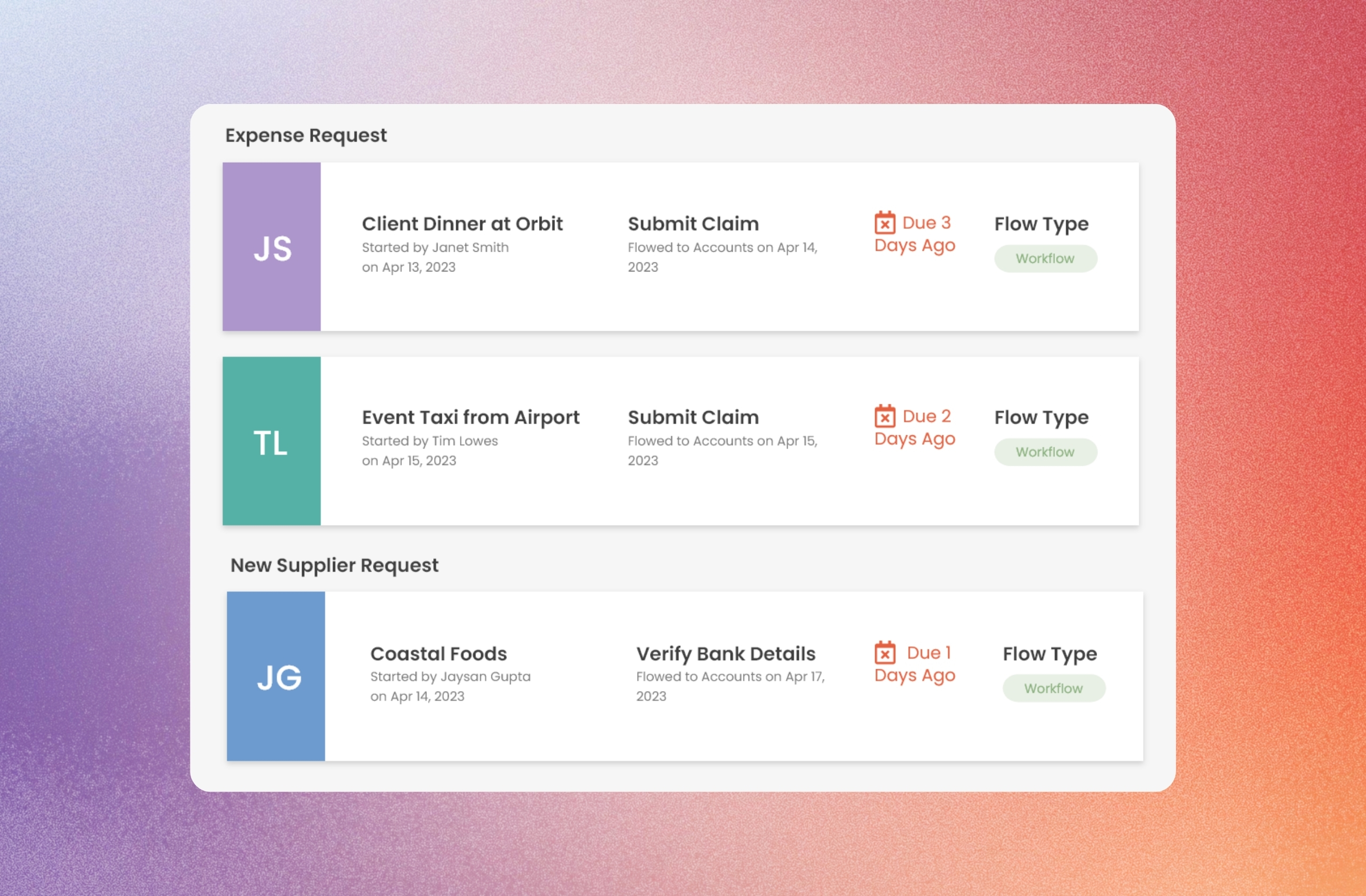
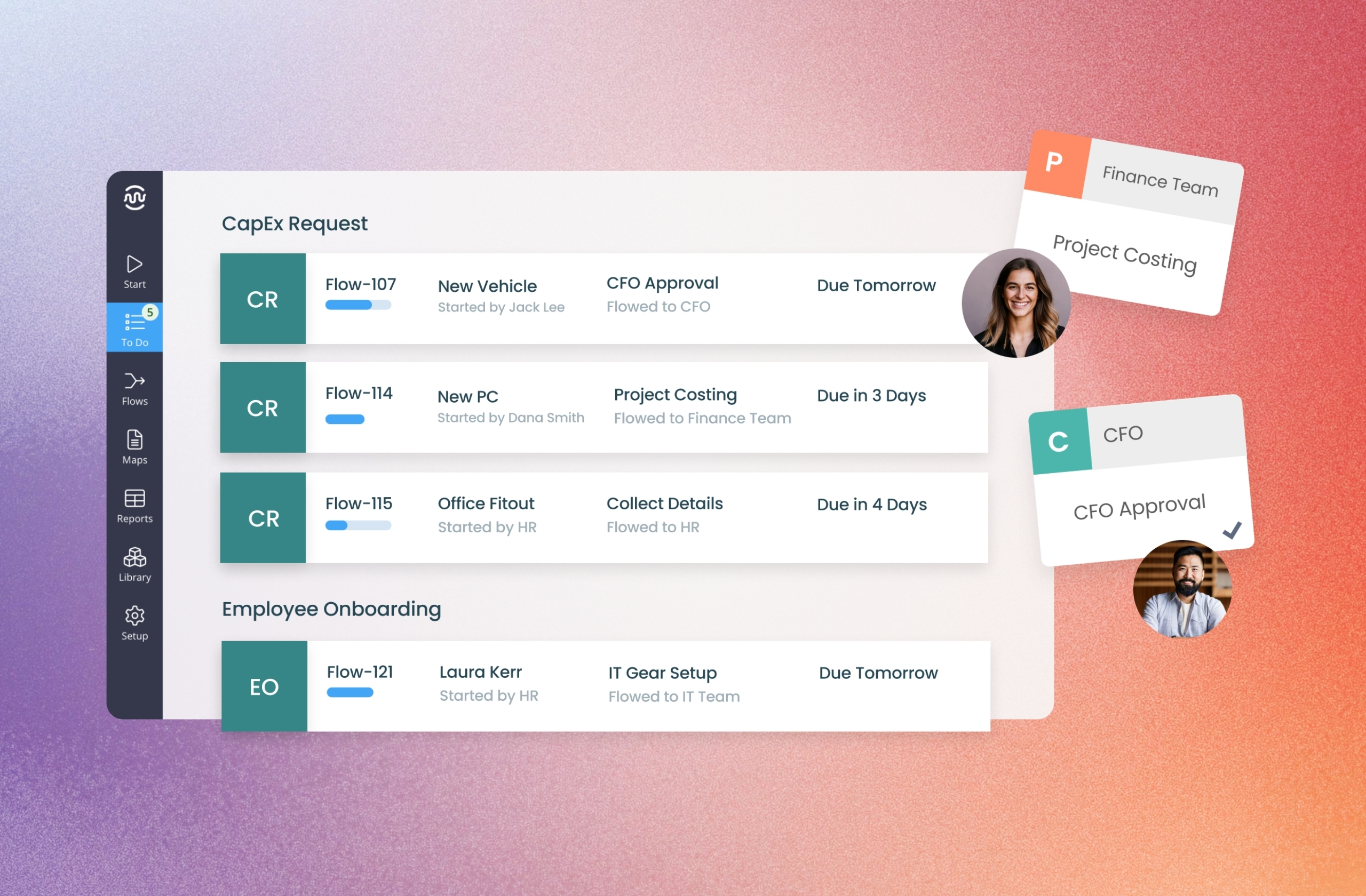
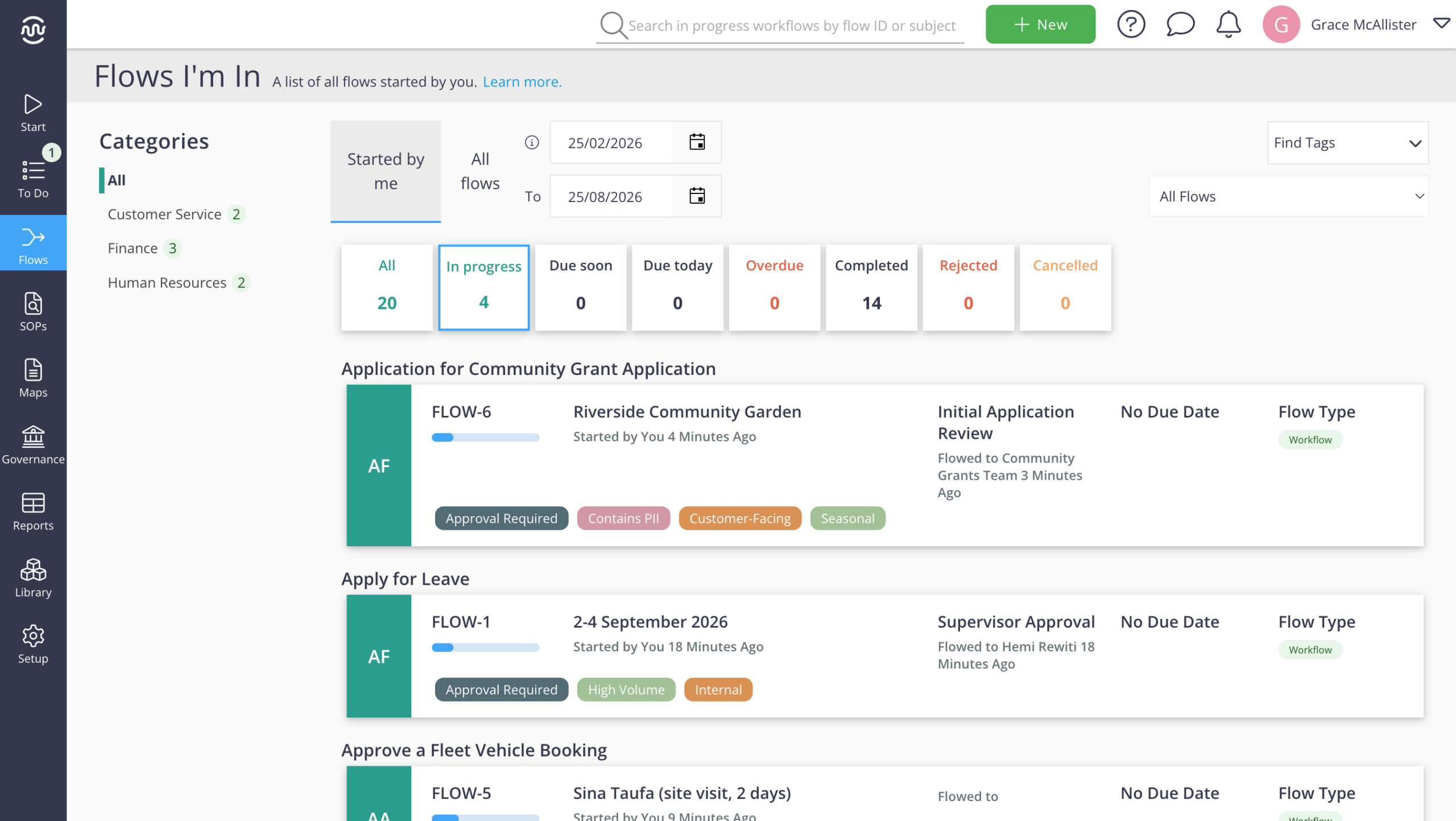
See every workflow’s progress, current step and owner in one place — so you know what’s moving, what’s waiting and what happens next.
Track every request
See exactly where each workflow is up to without digging through inboxes or chasing updates.
Know who owns the next step
See the current task and who it’s flowed to, so approvals don’t disappear between teams.
Catch delays before work stalls
See what’s in progress, due soon or overdue and step in before bottlenecks hold everything up.
Why go with Flowingly Workflow Pro?
Business-friendly workflow automation without losing control — easy for teams to build, with governance, ownership and visibility built in.
AI gets you from process to workflow
Describe it, upload what you already have or capture the process as it happens — then let AI build the workflow.
Built for business ownership
Give the people closest to the work simple, no-code tools to build and improve their own workflows.
Governed across the organisation
Keep workflows owned, versioned and auditable while giving teams the freedom to automate the work they know best.
Less admin keeping work moving
Automate routing, reminders, deadlines and follow-ups so teams spend less time managing the process.
How teams are automating and scaling their processes
Real organisations using Flowingly to reduce admin, standardise work, and move faster.


Scaling automation 7x alongside Power Automate
Read case study

24 workflows deployed in 6 months, no developers required
Read case study

Eliminating 84 weeks of admin with automated workflows
Read case study

Removing 1,200+ hours of process admin
Read case study

Cutting LGOIMA response times by 40%
Read case study