
Nobody wants to document how they work.
So don’t make them. Capture work as it happens, or use the
process knowledge you already have.
However you start, AI turns it into a governed process map
ready to use and improve.
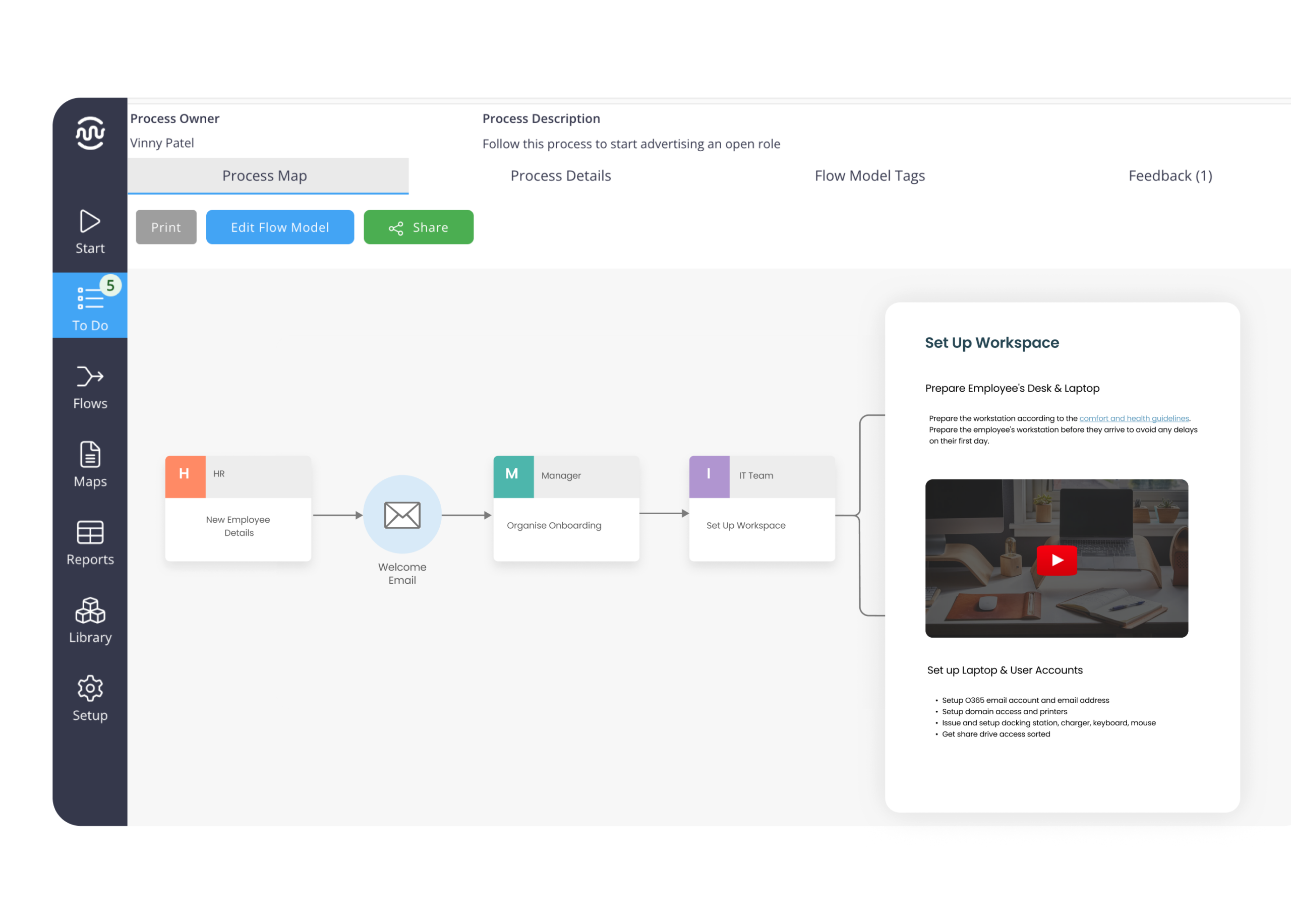









However you start, get a map that's ready to use.
Capture work as it happens, use what you already have or build from scratch. Mapping Pro turns it into something structured, governed and easy to improve.
Capture work as it happens, describe the process or use existing content. AI turns it into a structured first draft in minutes.
Prefer to map it yourself? Use simple drag-and-drop to create, edit and refine maps without specialist skills or BPMN expertise.
Processes change. Your maps should too. Make updates in minutes so your process library keeps reflecting how work actually happens.
Manage ownership, approvals and version history across your process library, while giving teams more ownership of their processes. Distributed ownership. Central governance.
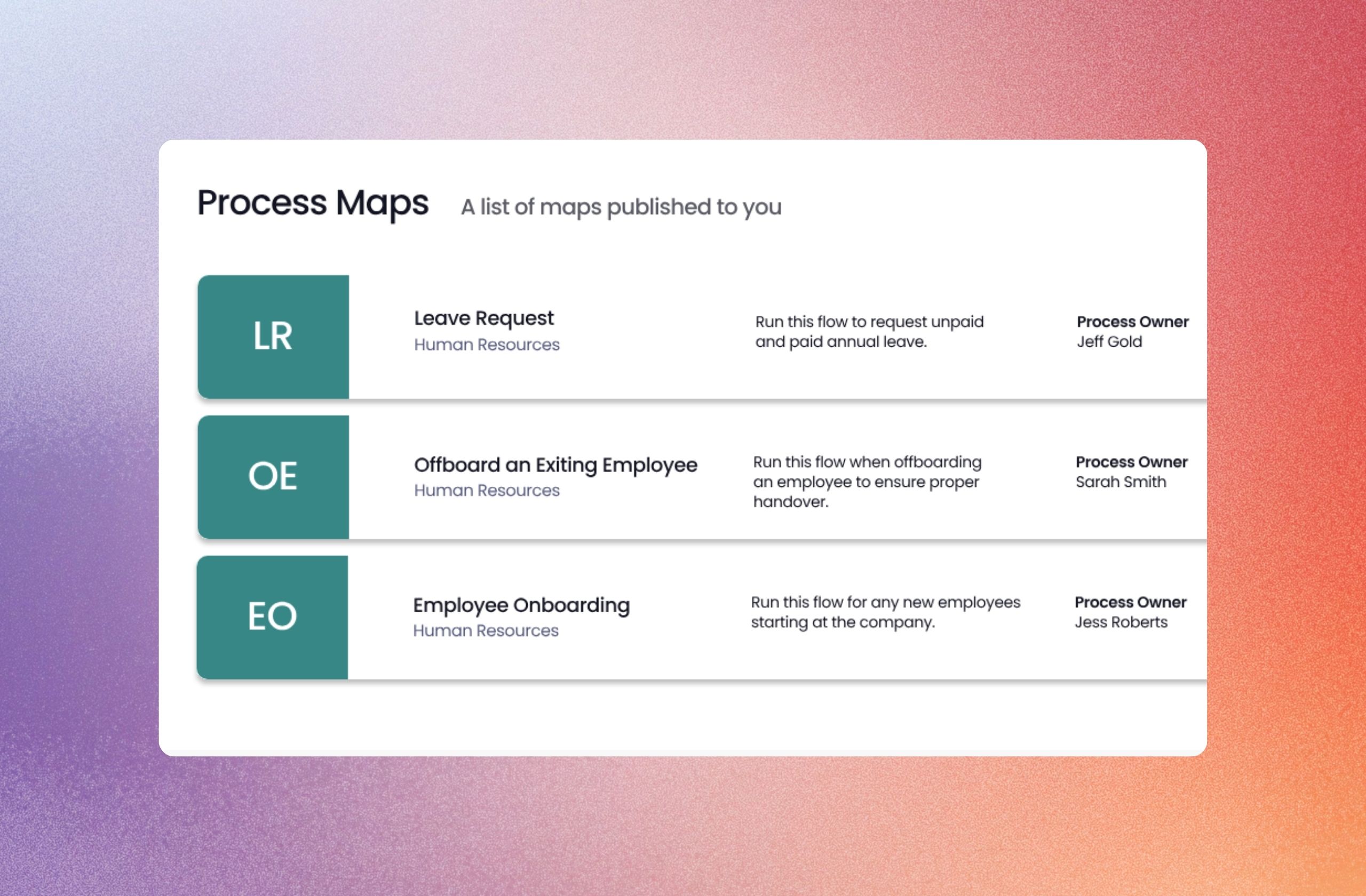
One process.
Plenty of ways to map it.
Start with whatever you've got. Creation Hub turns recordings, videos, text, images and existing process data into a process map.
Record your screen
Do the work and talk it through. AI maps the process as it happens.
AI-assistedGenerate from video
Upload an existing walkthrough or recording and let AI build the map.
AI-assistedGenerate from text
Describe the process or upload a TXT or MD file and let AI map it.
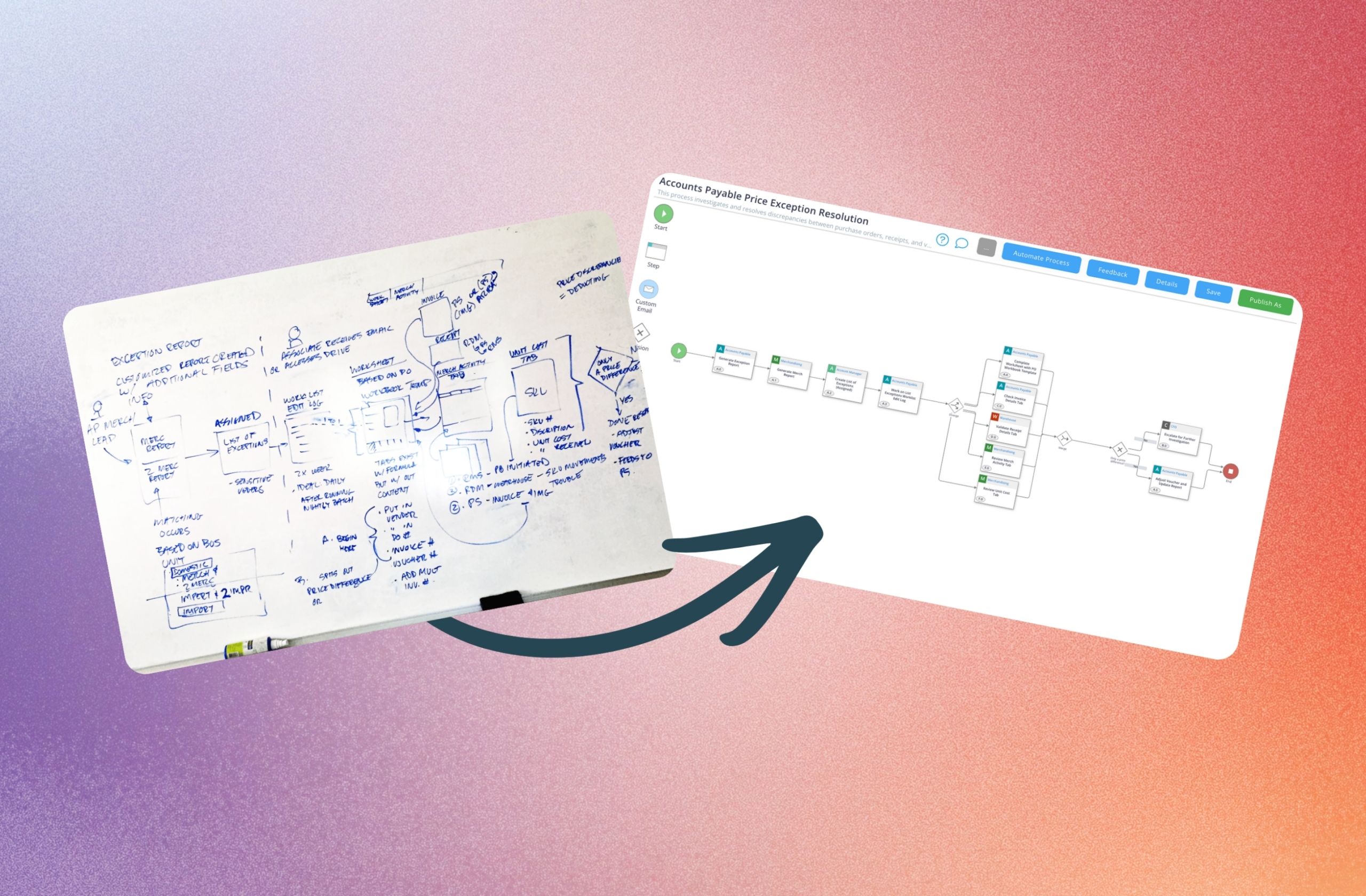
AI-assistedGenerate from image
Turn a diagram, whiteboard or process image into an editable map.
AI-assistedGenerate from CSV
Turn existing process steps and data into a structured visual map.
AI-assistedBuild from scratch
Start with a blank canvas and build it yourself with simple drag-and-drop.
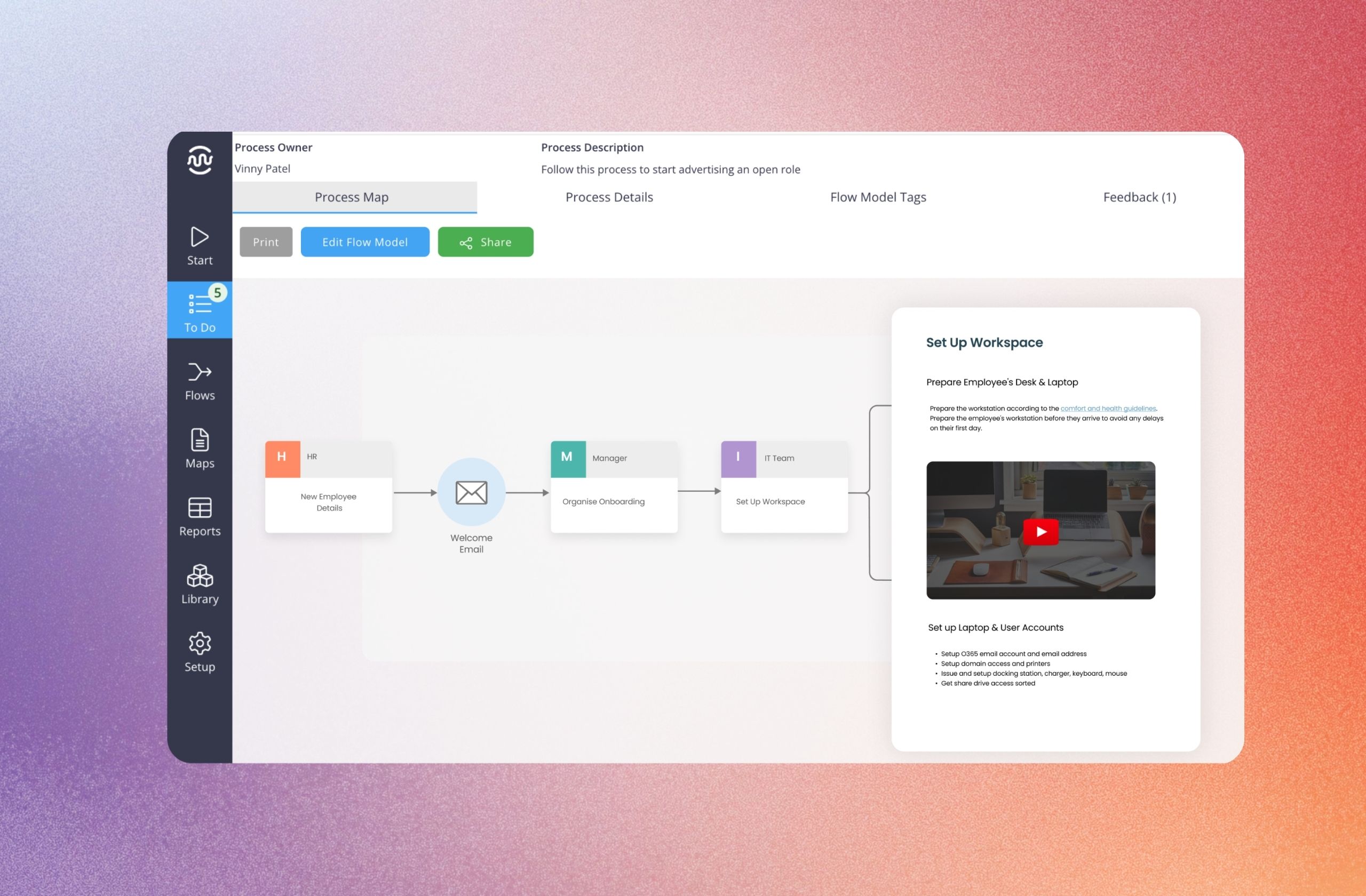
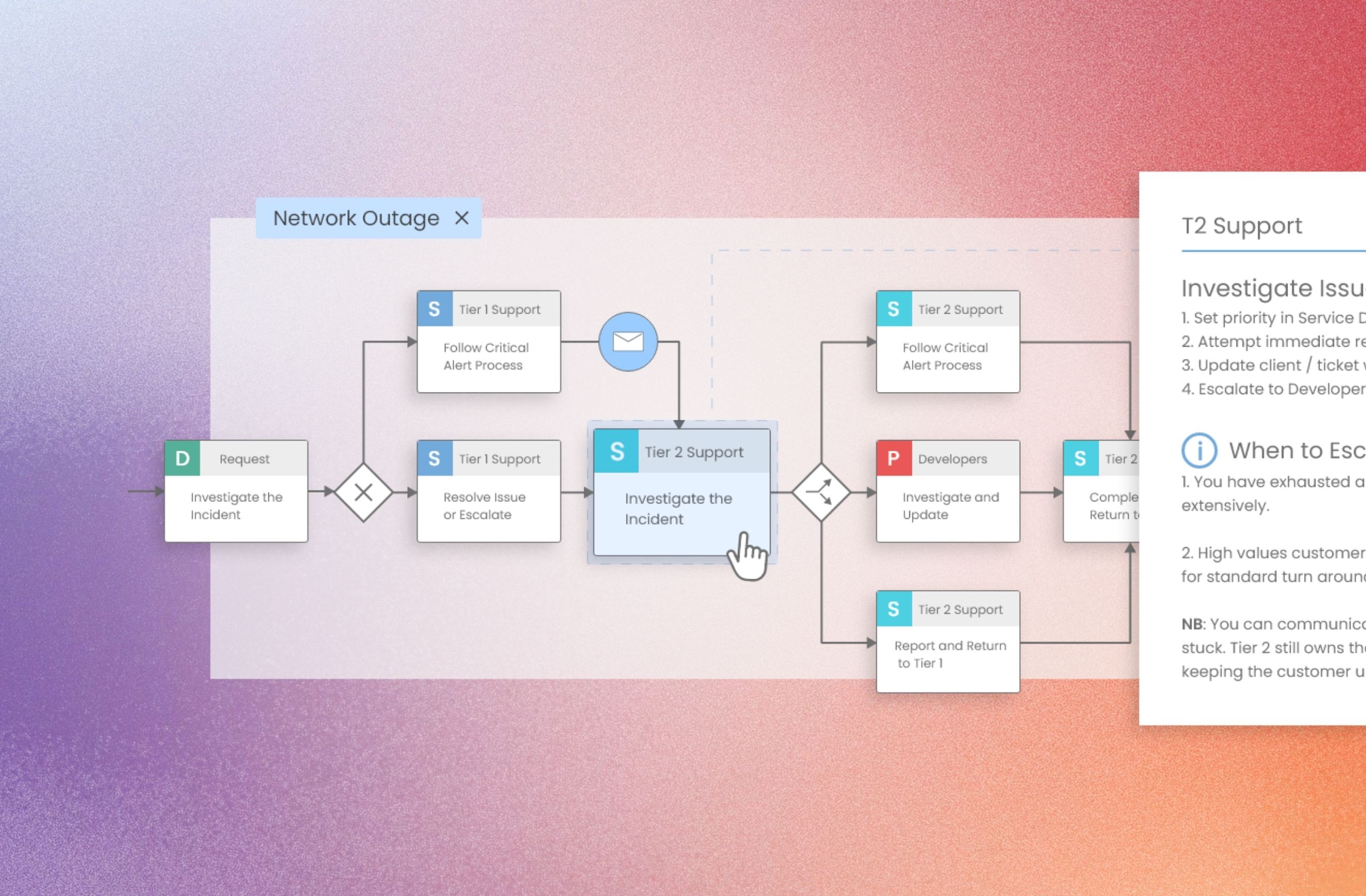
Process map
Structured, searchable and version-controlled — whichever way you started.
Hurunui retired 62% of their Nintex Process Manager processes when they migrated
That's what happens when maps are built once and never updated by the teams running the work. Mapping Pro is built for the people who do the work, not a process priesthood.
See the full Nintex Process Manager comparisonPeople love it. With some changes, people say 'I hate it, it's terrible software.' But with Flowingly, we haven't had any sort of feedback like that.
 Himam Dhungel
Business Analyst, Hurunui District Council
Himam Dhungel
Business Analyst, Hurunui District Council
“People are already using it more than what people were using the old system in over a year.”

A process map nobody uses isn't process improvement.
Traditional process tools can leave you with hundreds of documented processes and very little engagement. Mapping Pro is built to get process knowledge out of the process team and into the hands of the people actually doing the work.
Don't just map current state. Improve what happens next.
As you capture processes, capture the context around them too - the applications involved, the people and agents doing the work, and opportunities to improve.
Across your process library, that context reveals patterns, bottlenecks and opportunities, so you can prioritise improvement based on evidence, not assumptions.
Why go with Flowingly Mapping Pro?
Powerful process mapping without the complexity — easy for your teams to use, with the governance and control built in.
Governed at an organisational level
Control ownership, approvals, permissions and versions across your entire process library.
Hosted locally in Aus, Europe & North America
Built for the security and data sovereignty needs of large organisations and government.
Integrated into the Flowingly ecosystem
Process maps, SOPs and workflows all live together in one governed platform.
Built for business ownership
Give the people closest to the work an easy way to own and update their processes.
How teams are capturing and scaling their processes
Real organisations using Flowingly to reduce admin, standardise work, and move faster.


Migrating from Promapp and retiring 62% of unused processes
Read case study

Beating a year of Promapp adoption in four weeks
Read case study

Supporting rapid growth with automated accounting workflows
Read case study

Cutting LGOIMA response times by 40%
Read case study

Accelerating process mapping after replacing Promapp
Read case study

Saving 80+ weeks of admin every year
Read case study