Introducing Creation Hub: an easier way to create in Flowingly
Getting a process out of someone’s head and onto paper (or into Flowingly) has always been the hard part.
Not because nobody wants to document things – because writing it all up, step by step, after you’ve already done it, is genuinely tedious.
We’ve just made that a lot easier. Three ways, actually.
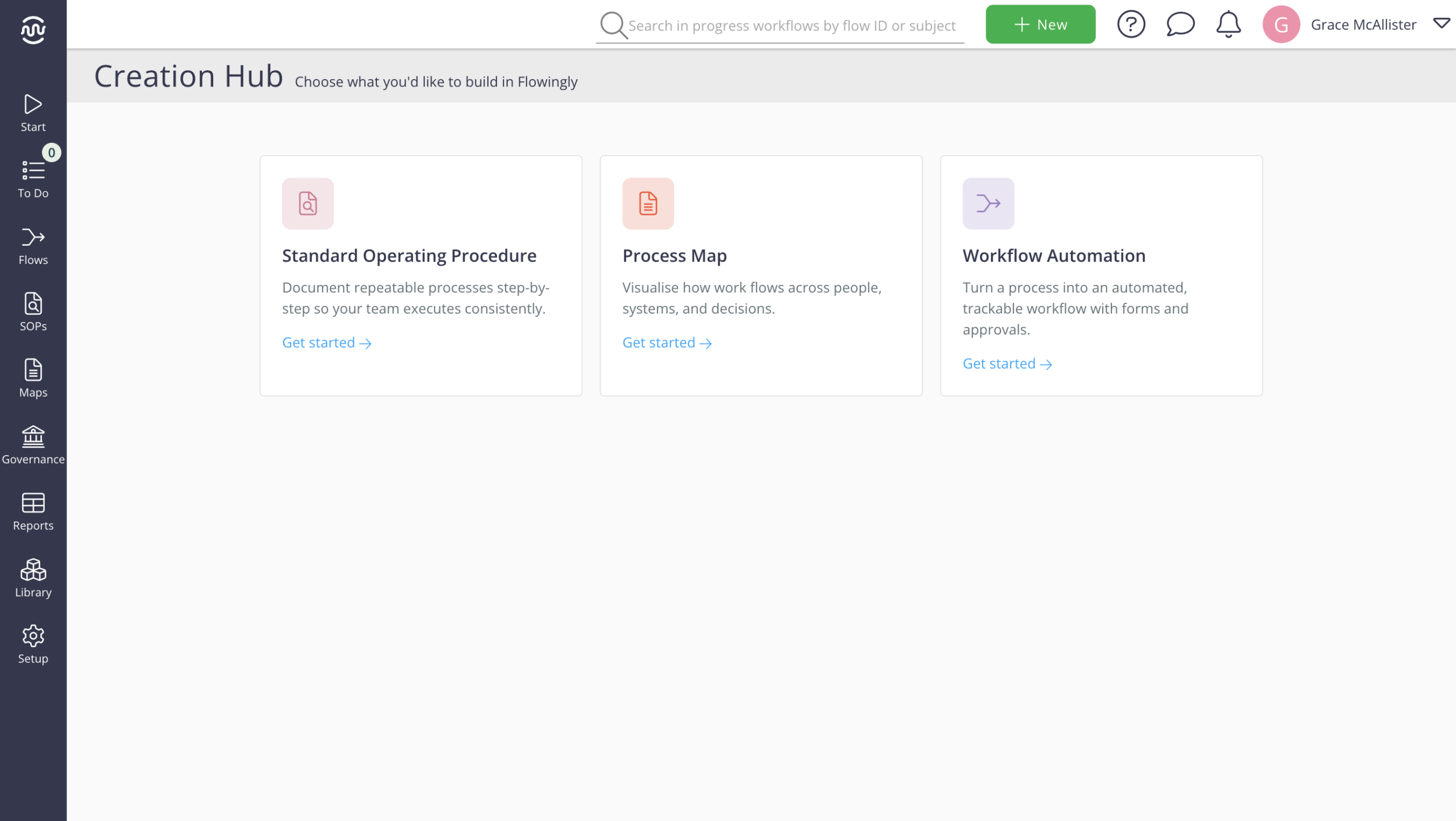
Creation Hub
Before, creating something meant landing straight in a blank builder for that specific product. You could upload things to get started, but it was never quite clear what your options actually were.
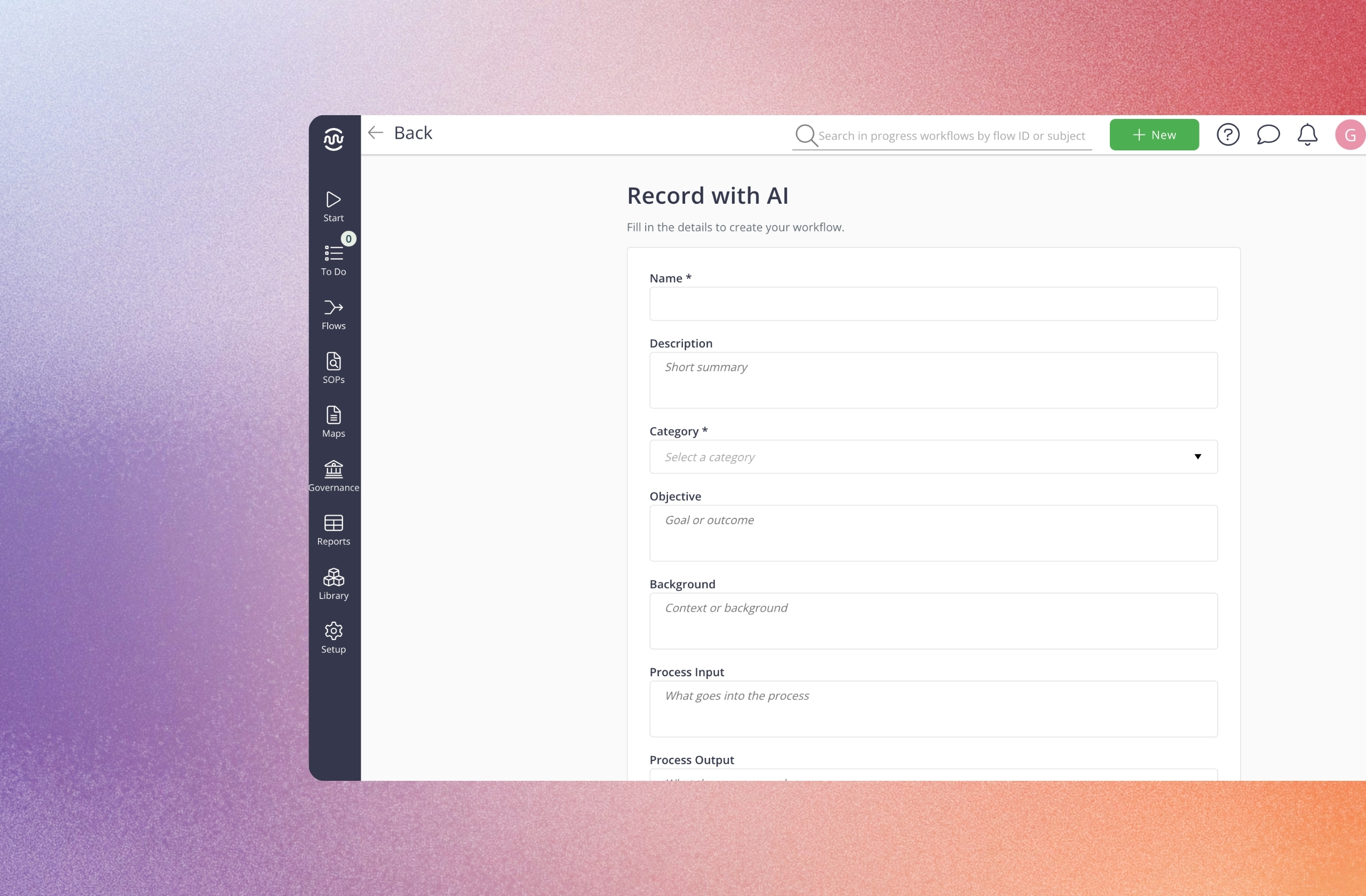
Now, hit + New, choose what you’re building – SOP, Process Map, or Workflow Automation – and land on a clear builder page with every input laid out. Build it manually. Record it. Upload a video. Or generate it from text, an image, or a spreadsheet.
We’ve also removed the scattered creation buttons from the Library and app headers, so wherever you are, + New is the one place to start.
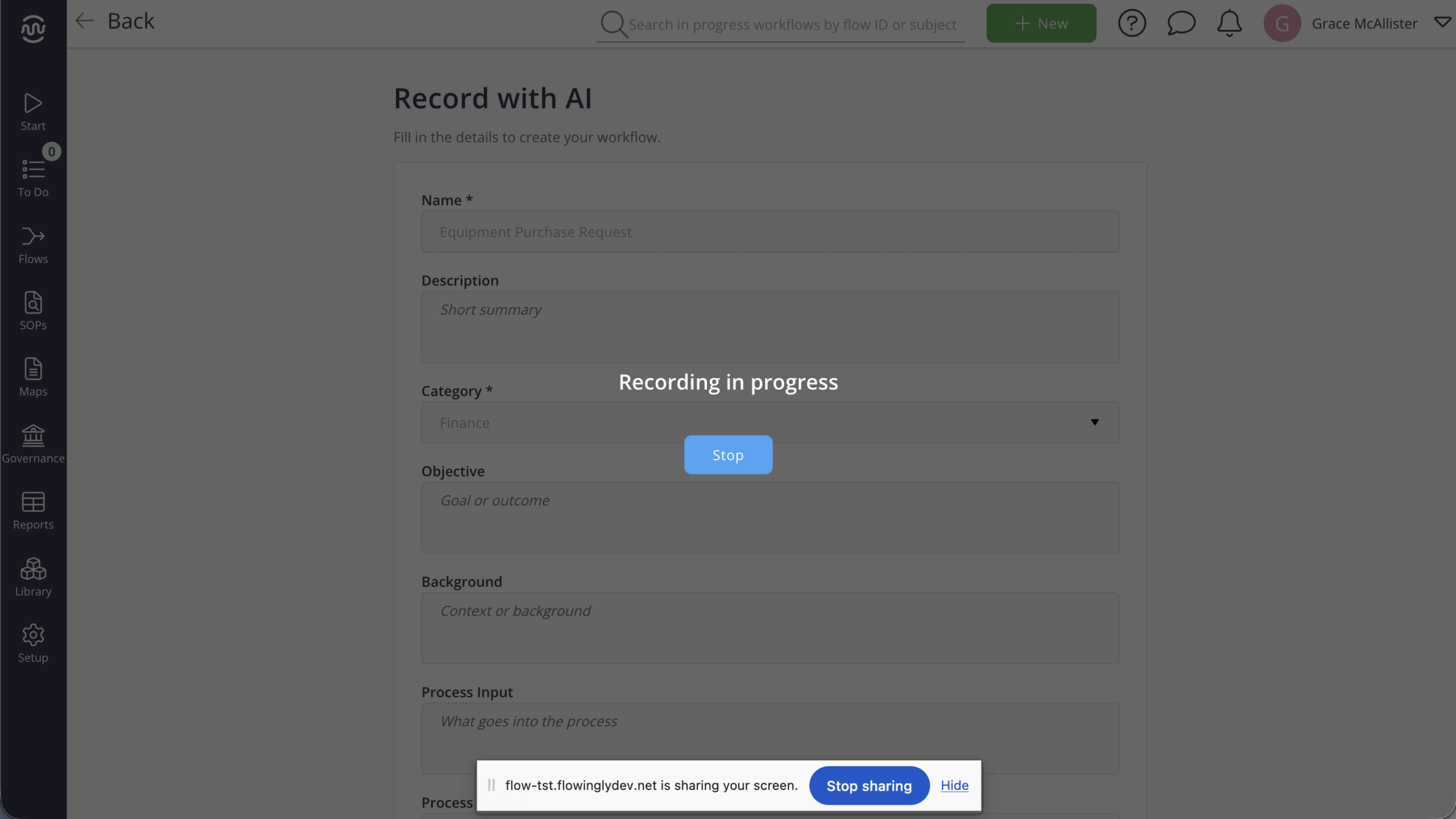
Desktop recording
The new desktop recorder captures your full screen (not just your browser) along with your voice.
Talk through what you’re doing as you do it, and Flowingly turns your walkthrough into a documented process or workflow.
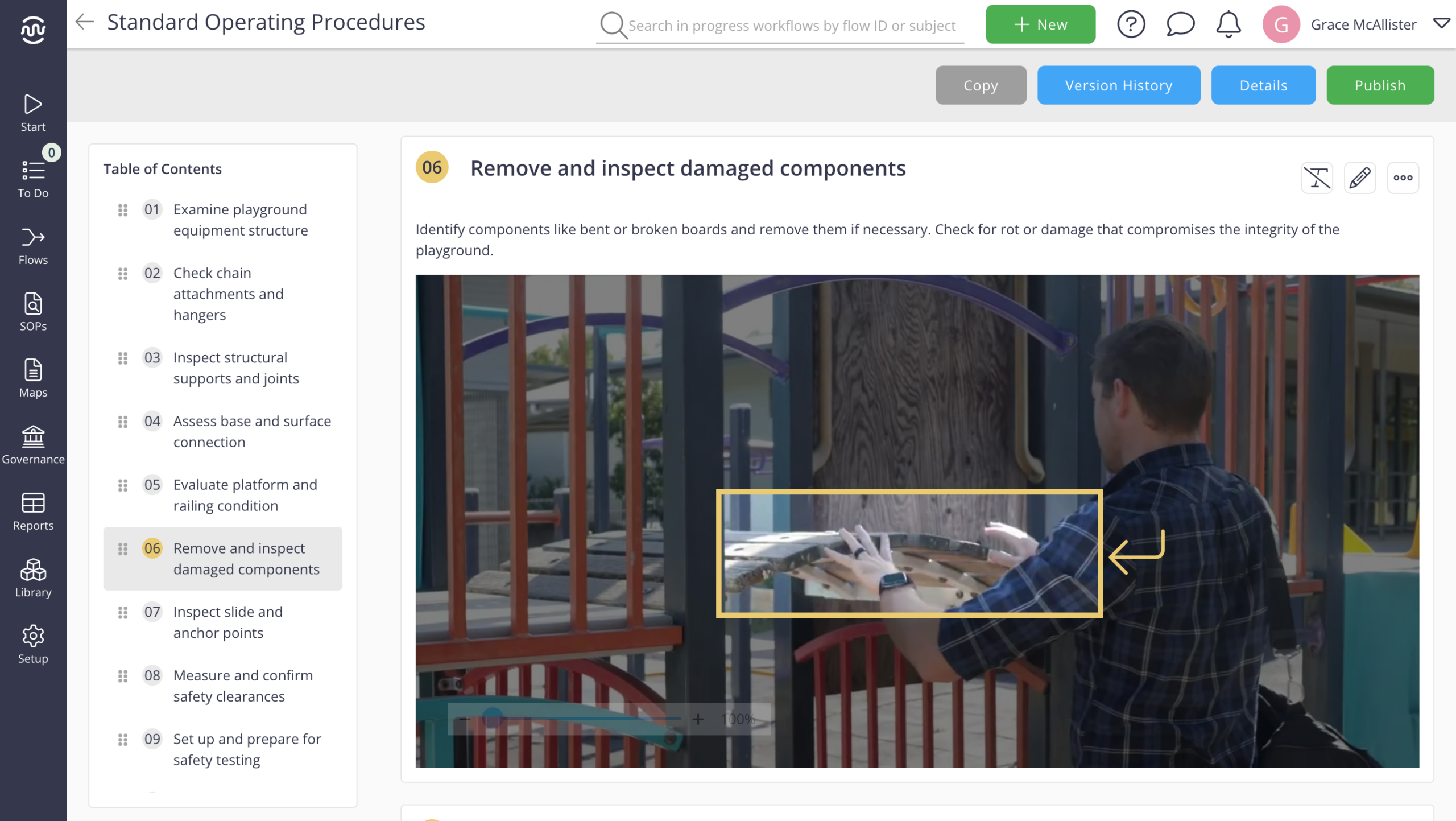
Generate from video
Already have a video? Upload it. Where supported, Flowingly can use it to generate an SOP, Process Map, or Workflow – no need to record it all over again.
Every builder, every input
The two new inputs - desktop recording and generate from video - are available everywhere, but each builder has its own full set of options:
Standard Operating Procedure
- Build from Scratch - upload your own images and write it up manually
- Capture in Browser - auto-capture tasks with the Flowingly browser extension
- Capture in Browser with AI - auto-capture, with AI writing your titles and descriptions
- Record Your Screen with AINew - record your screen and voice, AI does the rest
- Generate from VideoNew - upload a video, AI extracts the steps
Process Map and Workflow Automation
- Build from Scratch - draw it out yourself with the drag-and-drop builder
- Generate from Text - type or upload a text file, AI builds it
- Generate from Image - upload an image, AI reads it and builds from that
- Generate from CSV - upload a spreadsheet, AI turns the data into a process
- Generate from Audio - upload an audio file, AI builds from it
- Record Your Screen with AINew - record your screen and voice, AI does the rest
- Generate from VideoNew - upload a video, AI extracts the steps
Why it matters
Most processes don’t make it into Flowingly because getting started feels like its own job. You’ve got to remember which button to click, then sit down and write everything up from scratch.
Creation Hub takes that friction out from both ends: one obvious place to start, and two ways to get there without typing a single step.
How it helps
- One button for everything you create – no more hunting across the Library and headers
- Show a process instead of writing it up, with full-screen and voice recording
- Turn videos you’ve already got like training footage, screen shares, old walkthroughs into usable content
- Get a documented process out of someone’s head and into Flowingly, faster
How to get started
- Click + New at the top of the screen.
- Choose what you’re building: SOP, Process Map, or Workflow Automation.
- To record instead of write, select the desktop recorder and talk through your process as you go.
- To use an existing video, upload it and let Flowingly generate the content — where supported.
- Review, refine, and publish.
Next time you need to document something, skip the blank page. Hit + New and start talking.