
Meet Flowingly’s New AI Workflow Builder
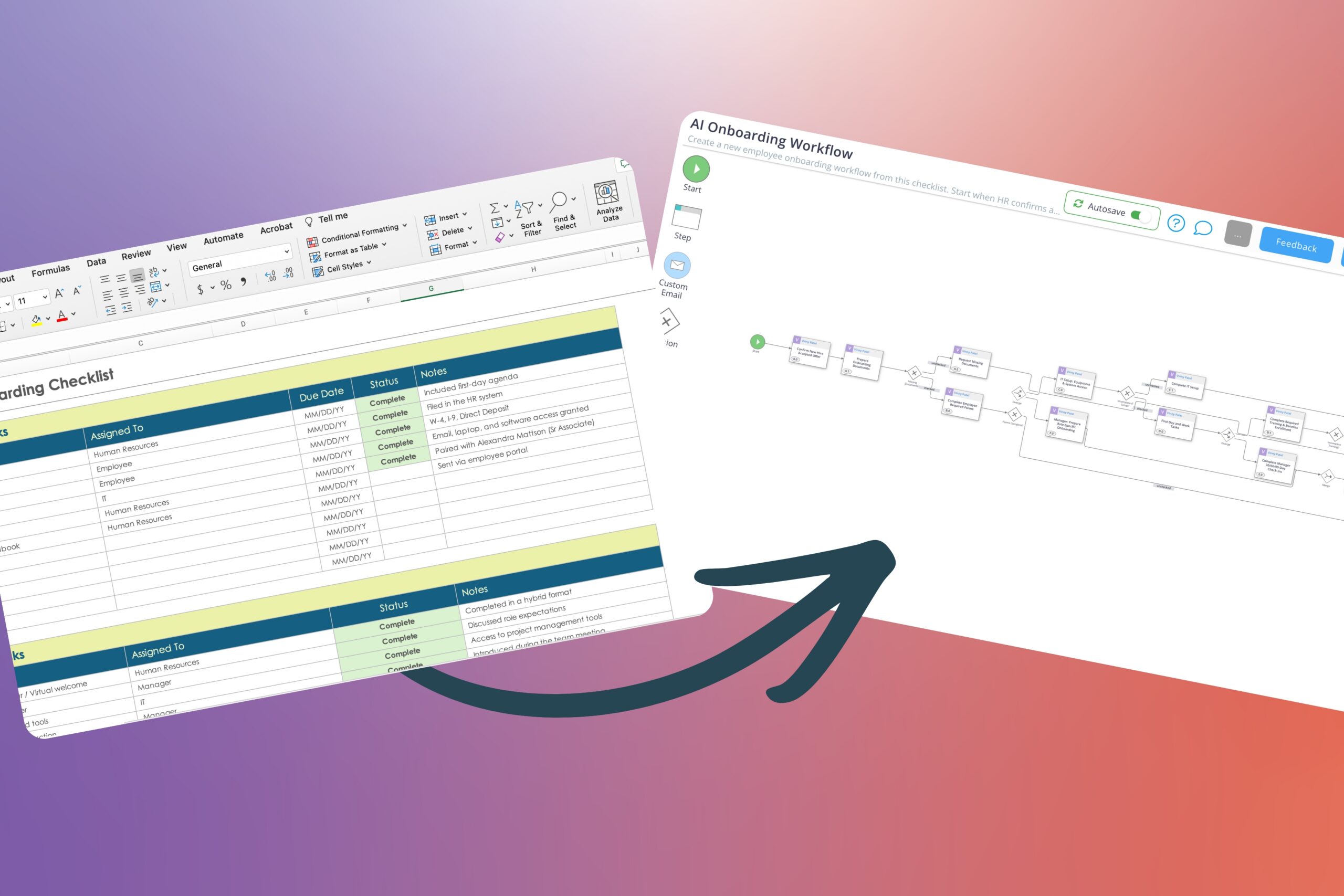
There are a lot of processes that live in:
- someone’s head
- an old spreadsheet
- a half-finished document
- or “just follow how Steve does it”
Getting those into Flowingly used to take a bit of setup.
Now AI can give you a proper head start.
What’s new
We’ve introduced our new AI Workflow Builder.
Instead of manually building every step, you can describe how the process works – and Flowingly will draft the workflow for you and give you a solid starting point you can actually work from.
Why it matters
Most processes don’t make it into systems because the setup feels like a job in itself.
You sit down to build it properly…
Then realise you need to:
- structure it
- name everything
- figure out the right order
- decide what matters and what doesn’t
So you put it off.
And the process stays where it started – in your head, or scattered across a few tools.
How it helps
- Gets your process out of your head and into Flowingly quickly
- Gives you a rough version to build off (way easier than starting from zero)
- Builds out steps, decision paths, and form fields for you
- Means you can start using the workflow sooner – and improve it over time
How to get started
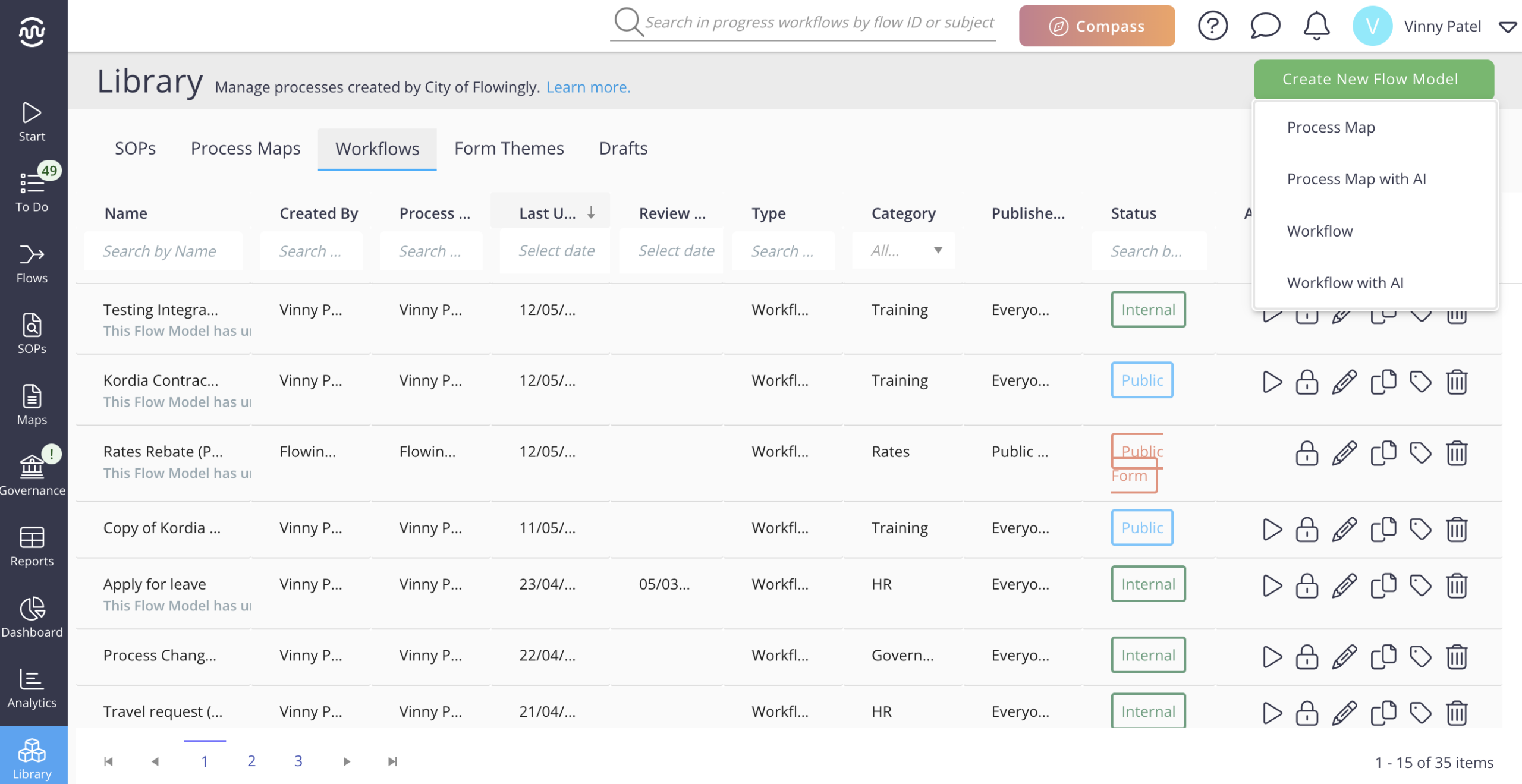
From there, you’ve got a few ways to generate your workflow:
- Start with a written prompt
- Upload existing documentation for the AI to work from
- Or use a mix of both!
How to get the best results
You don’t need to write the “perfect” prompt. Just explain it like you would to a new employee.
Clear. Simple. Nothing assumed.
A few things that help:
- Start with the trigger
“This kicks off when a request comes in via email…”
- Mention who’s involved
“First finance reviews it, then it goes to the manager…”
- Call out decisions and the different paths
“If it’s over $5k, it needs approval. If not, it goes straight through…”
- Add as much detail as you can
The more context the AI has, the better the draft tends to be.
Use existing documents or process knowledge
You can also upload existing process documentation to help generate the workflow.
This helps Flowingly stay closer to the process you already have – instead of starting completely from scratch.
Supported file types:
-
- CSV
- Images (GIF, HEIC, JPG, JPEG, PNG, WEBP)
- Text files (MD, TXT)
If you upload files, the information in the details tab still helps guide the AI toward a better result.
What the output looks like
Flowingly will take a few seconds to generate the workflow draft.
Once it’s ready, you’ll have:
- Steps and approvals
- Decision paths
- Basic form fields and dropdowns
- Instructions added to each step for review and refinement
The goal isn’t perfection on the first pass.
It’s getting you 80% of the way there without having to build the whole thing manually.
A quick note on what it does and doesn’t do
This is about getting a workflow structure in place quickly.
It will:
- Create steps and approvals
- Add basic form fields and dropdowns
- Set up decision paths
It won’t currently:
- Generate custom emails
- Create public forms
Get building!
If you’ve been meaning to “get that process into Flowingly” for a while… this makes it a lot less of a mission.
We’re currently rolling this feature out globally. If you’d prefer to opt out, just get in touch with your Customer Success Manager or email customersuccess@flowingly.net.