Meet Flowingly’s AI Map Builder – giving teams a process mapping headstart
You know that moment when you’re ready to map a process… and the blank screen just stares back?
“Where does this actually begin? Who does what? Are we sure this is the right order?”
It’s a surprisingly common (and exhausting) part of process work.
And it slows everyone down before the real improvements can even start.
So we built something to take that pressure off – a way to turn your process idea into a solid first draft without the mental gymnastics. A draft you can open, react to, and refine immediately.
What’s new
You can now generate a complete draft process map in one click.
When creating a process map, you’ll now see a new button to generate with AI. All you need to do is just hit that button, fill in the details (specifically the process name and description) and watch the AI map builder come to life.
Add as much detail around how you want the process to look and run to the description.
The better your description, the better the output!
Why it matters
Starting a process map can often be the hardest part.
Not because the process is impossible – but because getting it out of people’s heads and onto the page in a way that looks and feels right takes time.
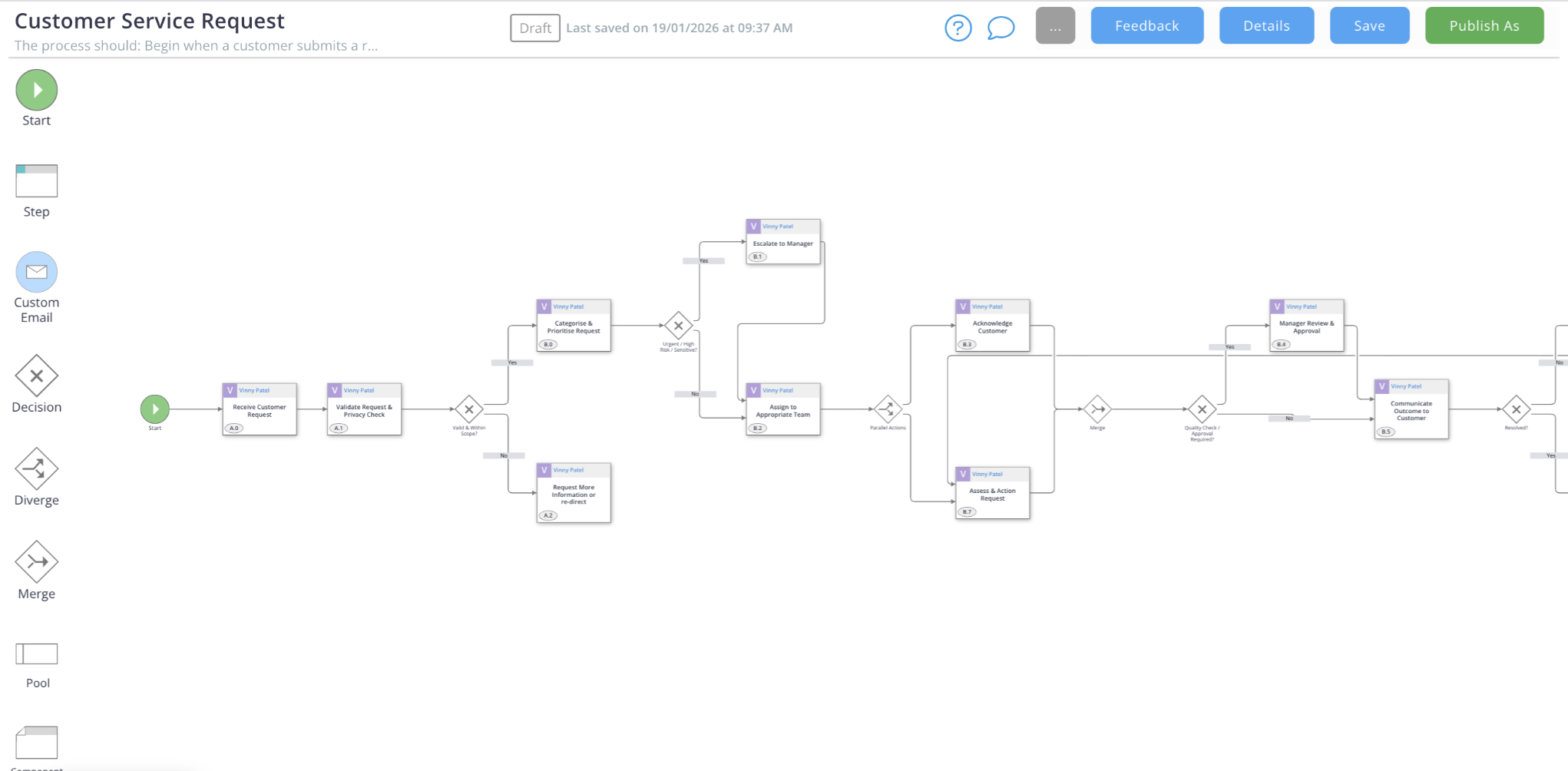
The AI Process Map Creator gives you a starting point that reflects your process, not a generic template. You stay in control, but you don’t have to start from scratch.
Everything runs inside your secure Microsoft Azure environment, with strict SOC compliance, anonymised training data, and full tenant isolation.
How it helps
- Turns your process details into a usable first draft
- Creates steps and structure based on the details
- Adds helpful instruction text to guide steps
- Saves the draft automatically
- Opens straight in the modeler so you can refine immediately
How to get started
In your library, select Create Flow Model → Process Map → Generate Draft with AI. Add your details, and let the AI Process Map Creator take care of the first draft.
The AI Map Creator is now available across the entire Flowingly platform for all customers so feel free to jump in and have a play!
While this feature has been enabled globally, if you wish to opt out please get in touch with your customer success manager or contact us at customersuccess@flowingly.net.