Flowingly Webinar
How to Automate an Incident Reporting Workflow in 30 Minutes
Watch the full webinar recording 👇
We will never share your information, promise.
Incident reporting processes are often paperwork-heavy and provide teams with little visibility around statuses and resolutions. This can lead to compliance issues, confusion across departments and slow action and response times.
That’s why for our next webinar, we’re changing the way organisations approach incident management.
In just 30 minutes, we’ll expand your thinking around what an incident can look like – learning best practice for automating reporting everything from physical incidents to instances of workplace harassment.
You’ll also walk away knowing how to:
📝 Give your employees an easy, safe experience when reporting incidents, from H&S to workplace bullying.
👀 Gain full visibility over the status and actions required for every incident report.
✉️ Make sure every incident follows the process exactly, with full compliance history.
🔥 Rapidly speed up incident response times for employees and customers.
📝 Follow a best-practice framework for creating people-first processes.
The Flowingly Blog
Get the flow-down on all things Flowingly. From process tips to product, we cover everything you need to level up your processes.
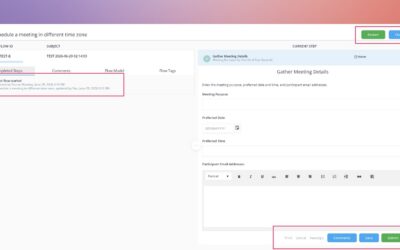
Introducing Creation Hub: an easier way to create in Flowingly
We’ve introduced workflow testing, a new feature that lets you run through your workflows before pushing them live.
Test Your Workflows Before They Go Live
We’ve introduced workflow testing, a new feature that lets you run through your workflows before pushing them live.
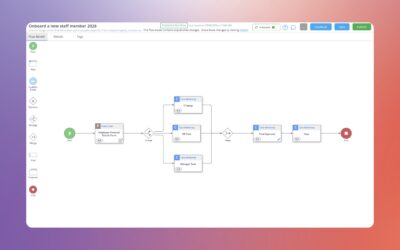
Introducing Tabs in Modeler
We’ve refreshed the Process Details experience in Modeler with a new tabbed layout, so everything you need is right where you’re already working.